Best text animation plugin I've found
Lets you create really high quality and polished looking word by word animations easily in seconds. Saves a ton of time and plays back nice and fast. Easily worth the money.

Every style is the same one TypeFlow plugin.
All of them are fully customisable.
A few words from editors using TypeFlow.
Lets you create really high quality and polished looking word by word animations easily in seconds. Saves a ton of time and plays back nice and fast. Easily worth the money.
I do a lot of short-form content and speed is of the essence. I tried many different text packs before, but this one beats them all hands down: controls are intuitive and not overwhelming. All in all, this earns my highest recommendation.
TypeFlow is hands down one of the most versatile text plugins for DaVinci Resolve. The time saved during editing is unreal, and seeing the creator maintain consistent updates shows real dedication to the project. Great work, rystal!
Animate per letter, word, or line. Custom directions. Add Blur, Zoom, Rotation. One click in your inspector. No Fusion required.
Add TypeFlow Paper and save $18. Get both plugins together.
One click changes everything.

Select part of your text, change how it looks, and preview it right there. Character-level styling that stays inside the same TypeFlow text.
Blur. Zoom. Rotation. One on its own, or all three together.
The new Styles tab lives right in your inspector. One-click Aqua, Emerald, and Gold looks. Gradient support built in.
Fine-tune the spacing, leave an echo, stretch letters, or turn them in 3D.
Animate prices, stats, milestones, scores, timers, or social proof numbers with the same styles and motion controls.
THE BEST Text-Plugin for Resolve, the whole "what took 30 mins takes 30 seconds" is ACTUALLY true, not just marketing talk. Plus if you happen to find a bug, it gets fixed within just a few days. If I hadn't bought it already, I would buy it again!
TypeFlow has become a staple in almost all my current projects. For a long time, I kept going back to After Effects just to create titles, but this plugin finally solved exactly what I was looking for. It’s incredibly easy to use and offers fast playback. I just hope an option to add a text box behind subtitles is added soon, as I need that quite often. Highly recommended!
I’ve bought most of the text plugins out there for Davinci Resolve but this one is by far the fastest to use. If you’re on the fence about which text plugin to get or need better text animations, this one is easily the best choice! Highly recommend!
The TypeFlow Plugin is fantastic, it just makes it so easy for someone like me who is relatively new to editing and Davinci.
If you do a lot of text animation Type Flow is for you, Goated plugin.
One of the best plugins that has ever been made for Davinci Resolve
it's a very Simple Amazing Plugin of titles, the you can make million designs with it. Finally a good Title Plugin.
What I like about this text animator is it lets you be stylish and do some complex animations which If you make on your own with the follower and anim curves modifiers , would usually take up a lot of time So , this gets 5 stars from me just for the entertainment combinations of text animations very efficiently and without too much lag in the timeline
Honestly a great product. I’ve been wanting a title plugin that makes it easy to create great looking text animations and THIS has to be the best find ever. Genuinely a great product and I highly recommend.
It’s probably the best Plug-in for texts. It has so many features that I still have to discover. It’s amazing and I rly like the fact that u cain pair it with for example AutoSubs or a tiny plug-in I’m working in rn🫣. It’s great and I would 100% recommend it to anyone who has the problem or needs good texts animations fast!
I realise there are more fonts on my system than I've had hot dinners in my whole life: I swear it. Once I've picked the font, I have the added hassle of figuring out exactly what to do with it. TypeFlow provides me with a solution to part of the problem. It provides an amazingly interactive system that allows me to do basically whatever my imagination can think of. I have a unique idea for a look; TypeFlow will do it for me. Is intuitive, easy to use, and an old bloke like me in my mid 70s can figure it out in about five minutes.
For the price this is one of the best text plugins out there to create any style you want! It is my go to for animating text in resolve now
This is a really good plugin. - This is very nice
Bro, you're seriously awesome, and what you do really helps me create new videos, and I know it helps everyone who has this pack. Thank you for what you do. Keep up the good work.
Very easy to use. Presets are beautiful.
easy. convenient. looks rich. pure banger
This is probably the most practical plug-in I bought on Davinci. So easy to use, you know it was made by an editor cause it just answers every needs. I love using it, also very cheap for the value that you get. So I would suggest getting it now.
Easy to use. Smooth. Premium.
amazing text plugin, very light, fast and have alll the things I need
dude is the real deal. provides real time DM support and guides for his plugins on his channel. you're buying this dude's plugins if you know better.
Got this 5 days ago and have already used it to complete a video. I'd been thinking of buying it for a couple of weeks but, when it came time create the video, I decided £25 was worth a punt to see if it'sas good as it looked. I'm so pleased I bought it. As a side note, it introduced me to fuse... I highly recommend this.
I'm not kidding, this is the absolute BOMB!!! If you don't have this you need it!!!
During my first use, the plugin did not support multiple languages. However, after contacting the developer, I received prompt support and assistance.
Not gonna Lie: The smoothness suprised me as well. and that Line by Line Animation , next to the other functions, is fireeeee.
This plugin basically removed all hassle of creating text animation
The install process was a little doggy, but after I restarted the device, everything fell into place. More of an "operator" error than anything. Other than that, It seem to perform as advertised. Still playing around with the different type faces and animations.
This product is KING! Hope to see more updates to come.
TypeFlow is an innovative way to make your edits look so good with little effort. Would recommend this to anyone who wants their edits to shine!
Antes me costaba hacer animaciones de texto, pero los presets que ya vienen incluidos me han ayudado mucho, además que ahora puedo crear textos mucho mas bonitos
Very easy to use and install. Easily customisable too with heaps of different options.
The plugin is simply too heavy. It causes significant lag and makes editing frustrating, even on high-end hardware. The features are good, but performance optimization should be a top priority before adding more features. It noticeably slows down DaVinci Resolve timelines and affects smooth playback.
The counter feature is great; I like it. You said that you'll improve the text in a different language. Quite upset about it. Cheer up, and don't lie.
Downloaded and did not install onto my MacBook. Da Vinci resolve says that the tool was not found.
Get TypeFlow + Paper, ShapeFlow, Background Engine, every preset in the shop, and future presets at no extra cost.
Add a keyframe on the Word property, and every keyframe reveals the next word. No need for cuts. No timing mess. Sync your voice with your text in seconds.

TypeFlow supports every major language out of the box. Spanish, Korean, Hindi, Japanese, with full RTL layout and contextual Arabic shaping. Our Adaptive Font feature handles the typeface automatically.
Rendered a 5-second text clip with letter-by-letter animation. Font: Made Outer Sans Regular, size 0.16. Outline, shadow, and Motion Blur (Quality: 7) enabled. Tested April 2026 on a MacBook Pro M4 Max.
Bypasses heavy effects during playback for faster scrubbing. Your render is never affected. Every effect stays intact in your final video.
Double-click the installer. DaVinci picks it up next launch.
In the Edit Page, open the Effects tab. Search "rystal TypeFlow" and drag it onto your timeline.
Pick a style. Pick a mode. Pick a direction. Done in seconds.
One installer. Every text-animation tool in one place. Free updates included.
Choose letter, word, or line.Set direction, timing, and easing in the inspector.
Drag on a complete look, then make it yours.Fonts install with the plugin.
Color, Erode, Letter Spacing, Blur, Zoom, and Rotation.Live Motion adds Shape, Scale, Sway, and Stop Motion.
Apply fill, outline, shadow, opacity, and Styles to one chosen text range.
Build titles, numbers, and counters.Switch layouts between Point and Box.
Save and manage your own presets.The Styles effect is 2.23× faster, and it works in Free Resolve.
DaVinci Resolve is a trademark of Blackmagic Design Pty. Ltd. macOS and the Apple logo are trademarks of Apple Inc. Windows is a trademark of Microsoft Corporation. Linux is a registered trademark of Linus Torvalds. AutoSubs is a separate open-source DaVinci Resolve plugin. rystal.shop is independent and is not affiliated with, endorsed by, or sponsored by Blackmagic Design, Apple Inc., Microsoft Corporation, Linus Torvalds, or the AutoSubs project.
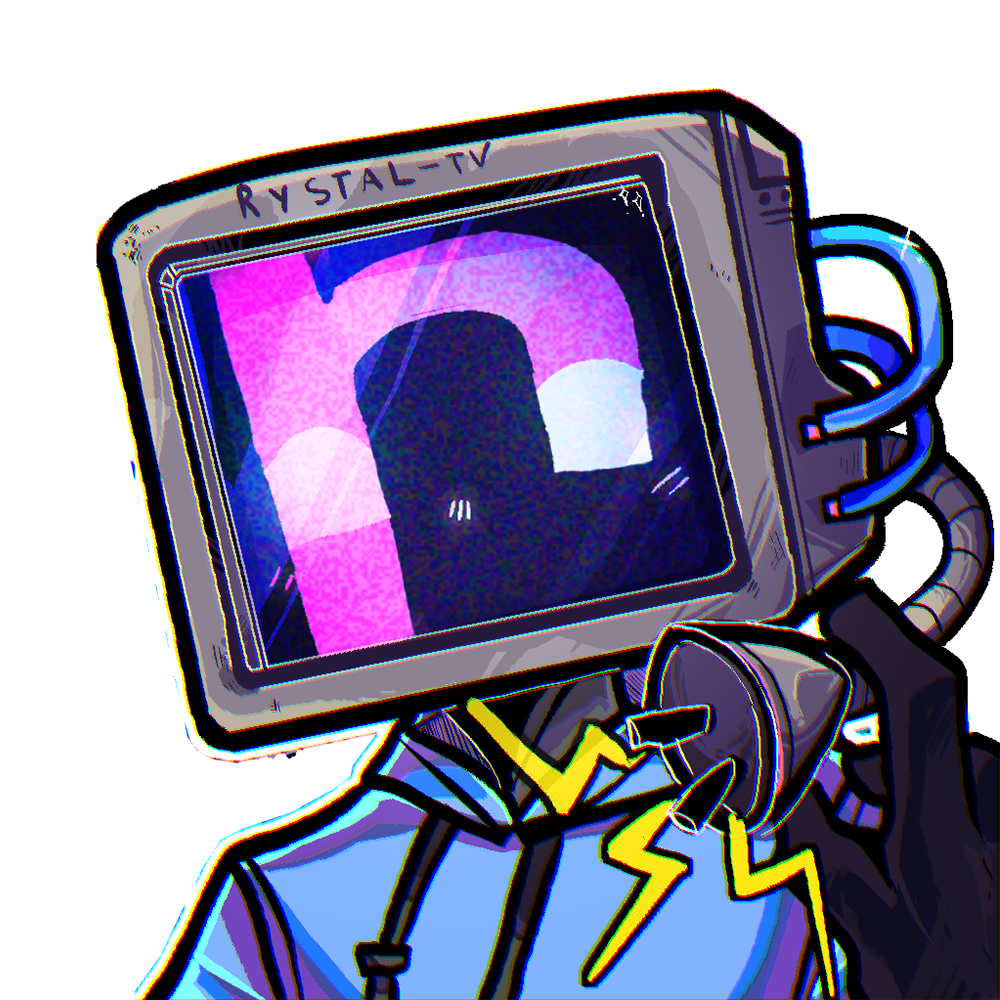
I'm Rystal. The editor behind videos with 15.76M+ views. I built TypeFlow because I got sick of spending 20 minutes on every animated title. Now I just slap a TypeFlow on it and move on. Hopefully it does the same for you.
Lets you create really high quality and polished looking word by word animations easily in seconds. Saves a ton of time and plays back nice and fast. Easily worth the money.
Not ready to buy? Try TypeFlow Lite for free
Google Analytics and DataFast help us understand visits. lets you turn site stats off. Ad tools need your permission. Your browser privacy signal is keeping optional tracking off.