
Liquid Glass Preset - Drag & Drop
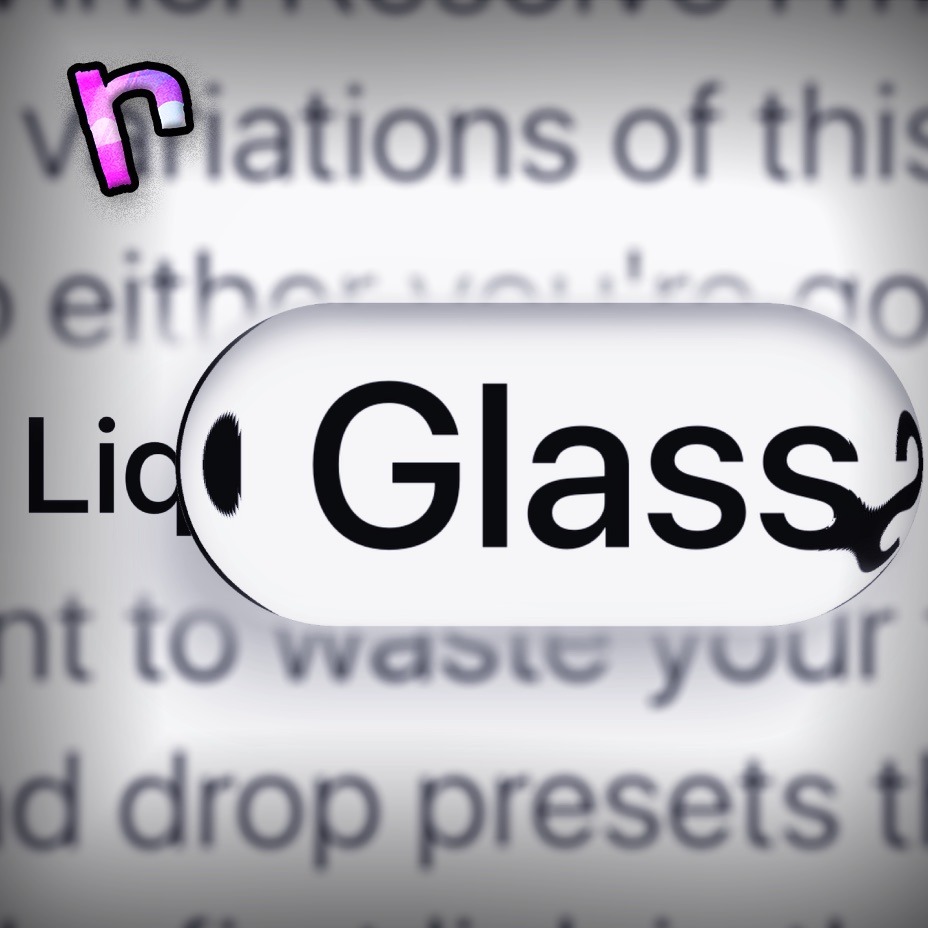
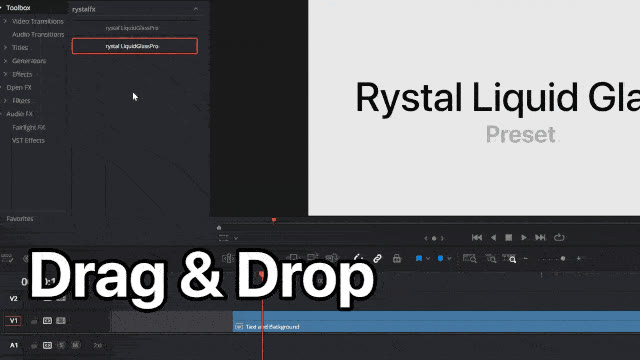
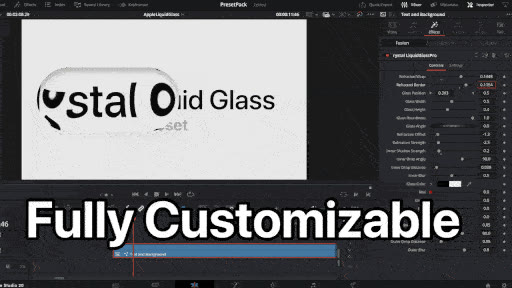
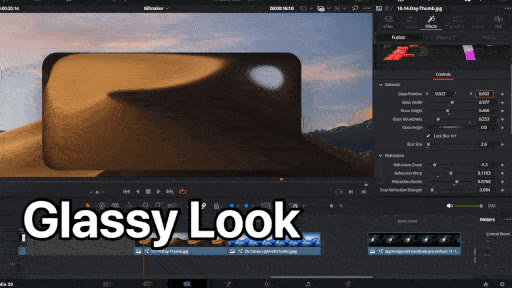
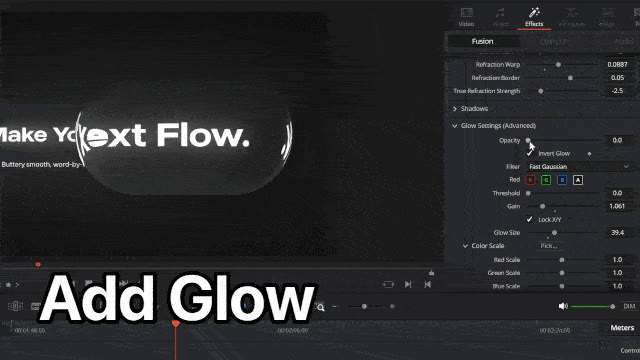
Create polished, customizable glass overlays in DaVinci Resolve without rebuilding the effect in Fusion. Run the one-click installer for Mac, Windows or Linux, then fully quit and reopen Resolve. Search for rystal Liquid Glass V2 in the Edit page Effects Library and drag it onto your clip. Shape the glass, then set the bend, frost, shine, shadow and color in the Inspector.
What you get:
- Liquid Glass V2: one effect you drag onto a clip on the Edit page
- One-click installers for Mac, Windows and Linux, all in one ZIP
What you can customize:
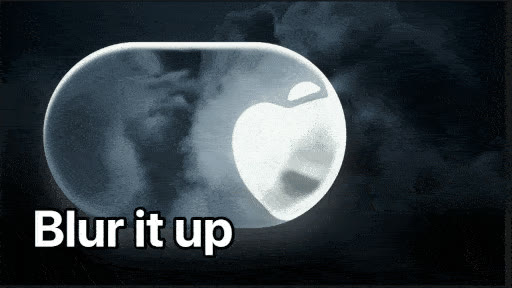
- Glass: Appearance (Clear, Light, Dark or Adaptive), Shape, Width, Height, Roundness and Frost
- Bend and shine: Warp Strength, Lens Magnification, Gloss, Light Direction and Rim Brightness
- Color and shadow: Tint Color, Tint Strength, Shadow Strength, Shadow Direction and Shadow Softness
All controls can be keyframed and edited on the Edit page. For smooth easing, open the clip in Fusion and ease the keyframes in the Spline editor.
Works in DaVinci Resolve 21 or newer. On Mac, it needs macOS 14 or newer. On Linux, the installer needs Python 3.9 or newer.
Recommended Specs: GTX 1660 - Intel Core i3-12100F / Ryzen 5 2600 - 8GB RAM.
This preset is not affiliated with or endorsed by Apple Inc. 'Apple' is a trademark of Apple Inc.
What changed
- V2: Rebuilt as one tool instead of about 20 Fusion nodes, so the glass bends what's behind it more like real glass. The new Lens Magnification control sets how much it zooms in.
Already own Liquid Glass? V2 is a free update. Log in with the email you bought it with and download it again, or use the download link in your receipt email.