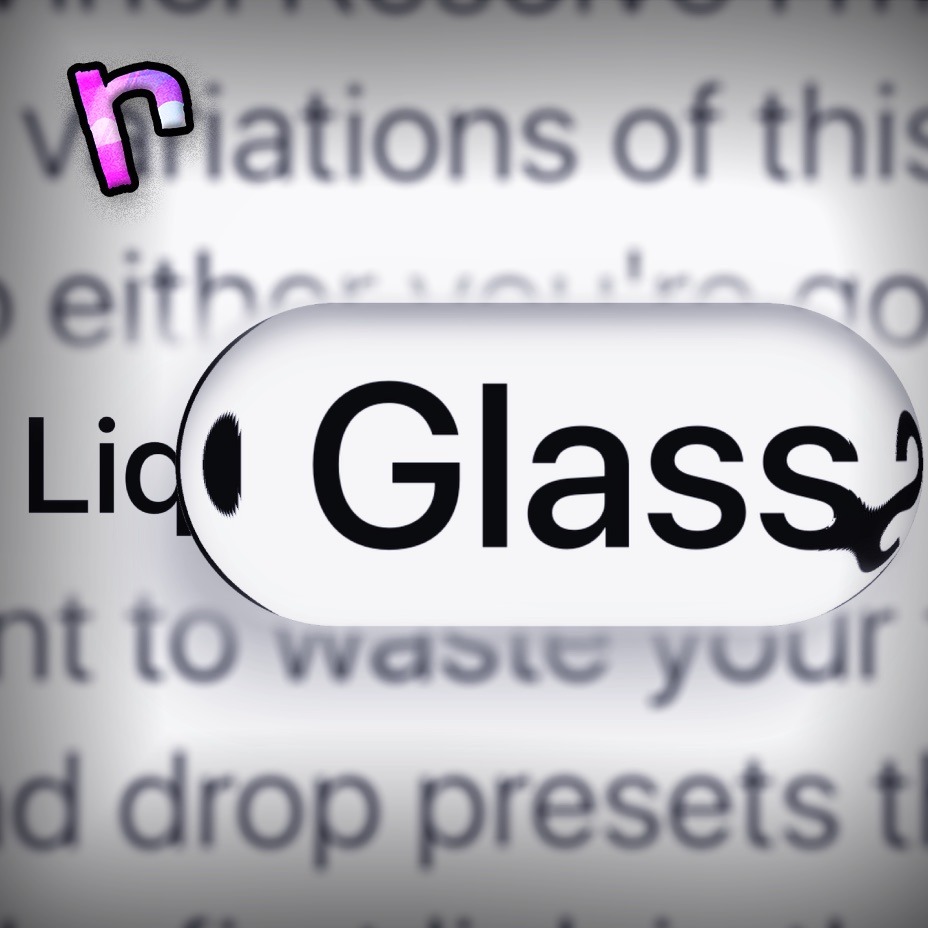
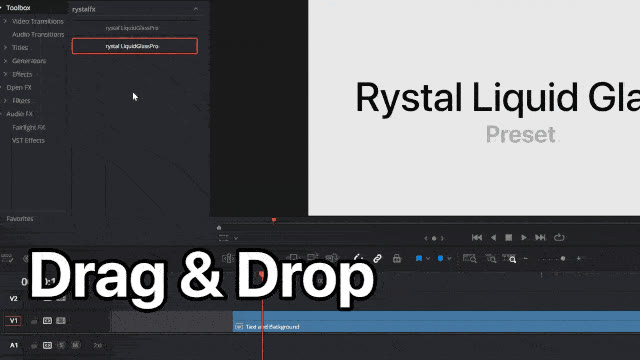

Liquid Glass Preset - Drag & Drop
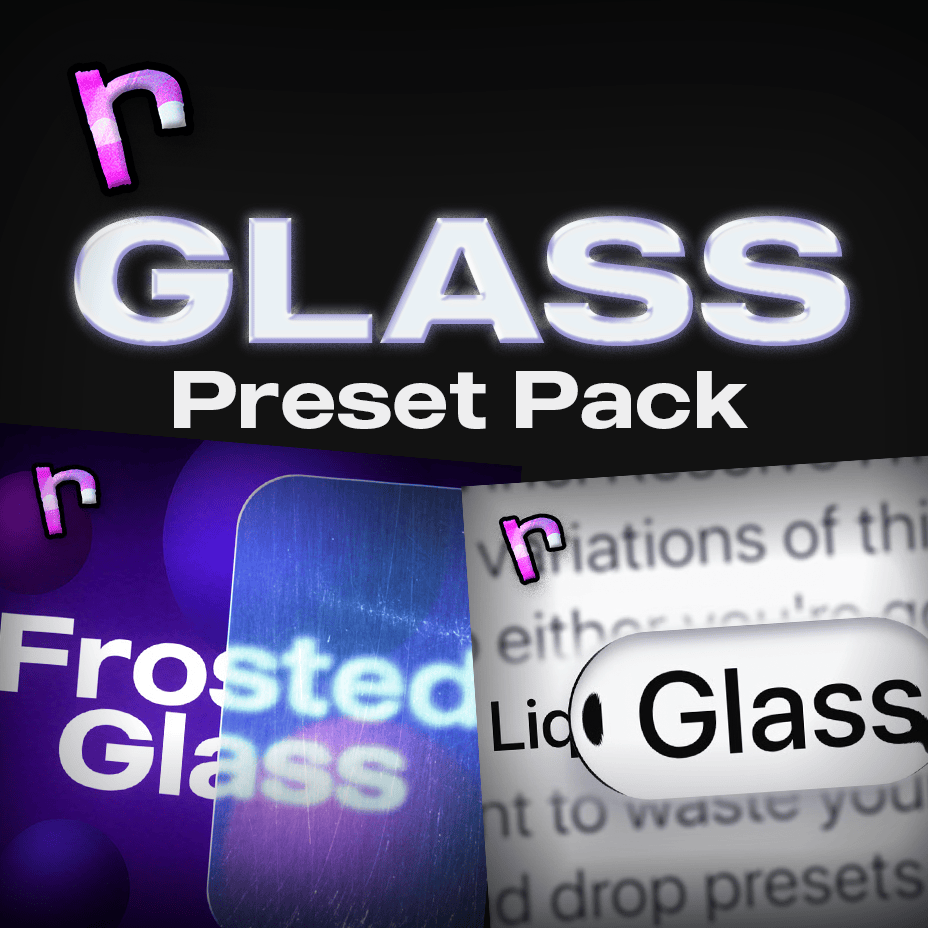
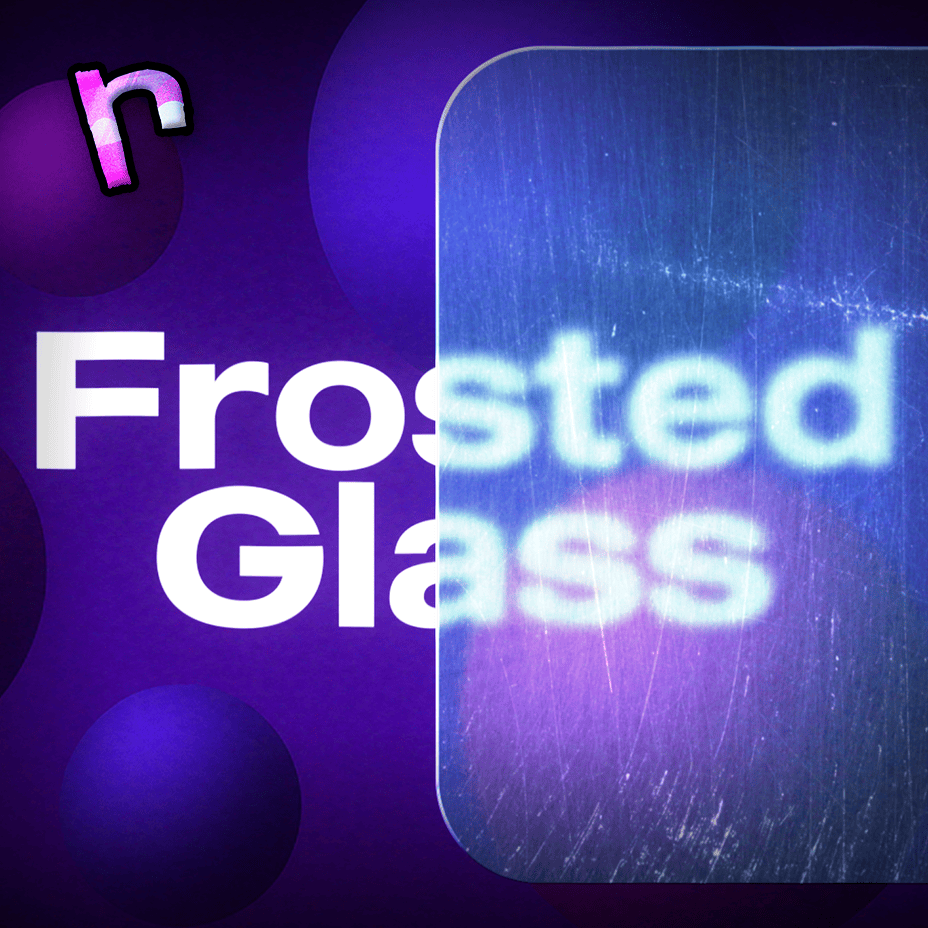
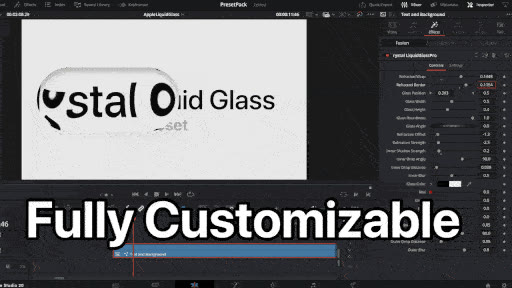
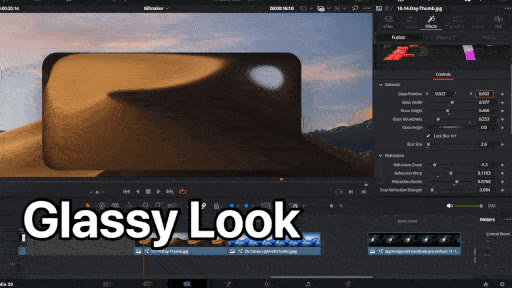
Create polished, customizable glass overlays in DaVinci Resolve without rebuilding the effect in Fusion. Drag in the .drfx preset, shape the glass, then tune refraction, shadows, glow, blur, and color from the Edit page.
What you get:
- Liquid Glass Fully Customizable Preset (.drfx)
What you can customize:
- Refraction (Glassy Effect): Strength, Zoom, Warp, Border
- Glass: Position, Width, Height, Roundness, Size, Angle & Blur
- Inner/Outer Shadows: Strength, Angle, Distance, Blur
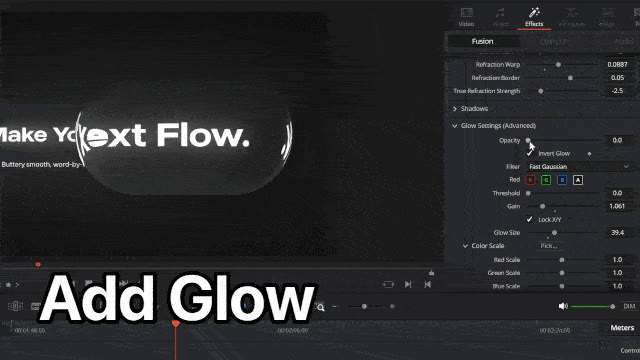
- Glow: Opacity, Invert Glow, Gain, Glow Size, Threshold, Glow Color
- Glass Color: ALL colors
All controls can be keyframed and edited on the Edit page. Easing uses a simple Fusion step, covered in the included animation tutorial.
Recommended DaVinci Resolve 20 or higher. ".drt" project file requires font "SF Pro Display", otherwise you can change it to your own font.
Recommended Specs: GTX 1660 - Intel Core i3-12100F / Ryzen 5 2600 - 8GB RAM.
This preset is not affiliated with or endorsed by Apple Inc. 'Apple' is a trademark of Apple Inc.
What changed
- v3: Added glow.
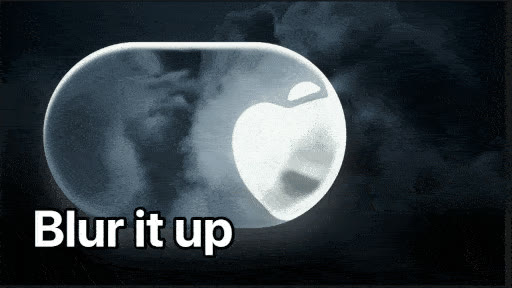
- v2: Improved glass edges, added blur, and reorganized controls into clearer dropdowns.
Legacy versions are included with the download.