Skip to content
rystal.shop

Rystal's Editor's Kit

5 drag-and-drop DaVinci tools + 1 bonus project file. Drag, drop, render. Editing better in five minutes.

Add to cart$29.99 Works in Free + Studio Resolve

Open the kit and start editing today.

$29.99 $53.94 Save 44%
  • 5 drag-and-drop DaVinci tools included
  • Bonus: 3D Flying Paper project file
  • Works on DaVinci Resolve Free and Studio
  • Five tools need no Fusion; Flying Paper is a Fusion project
Works in Free + Studio Resolve

See exactly what’s inside.

Six useful products. Clear previews. No filler.

6 editing tools6 of 6 included
01
Liquid Glass
Liquid and frosted glass controls in one editable Resolve preset.
$19.99 alone
Included
02
One-Click Pop
Adds customizable post-processing effects like color enhancement, glow, vignette, film grain, flicker, and wave to your footage.
$9.99 alone
Included
03
Dynamic Bar
Builds a customizable animated bar that clearly shows progress being made.
$5.99 alone
Included
04
Easy Highlighter
Draws a marker-style highlight behind words so viewers know exactly what to read.
$5.99 alone
Included
05
Title Scroll
Creates clean scrolling title cards with the boxed text movement already built in.
$5.99 alone
Included
06
3D Flying Paper · project file · Recommended for Fusion users
A ready-made 3D paper fly-through scene. Swap in your own image, screenshot, or note.
$5.99 alone
Bonus

Read the receipt.

Buy them one at a time, or grab the whole kit and save.

You save$23.95
rystal.shop
6 ITEMS
01 Liquid Glass$19.99
02 One-Click Pop$9.99
03 Dynamic Bar$5.99
04 Easy Highlighter$5.99
05 Title Scroll$5.99
06 3D Flying Paper (bonus)$5.99
Subtotal$53.94
Kit discount−$23.95
You pay$29.99
Thanks

Editor's Kit is just
the beginning.

Get TypeFlow + Paper, ShapeFlow, Background Engine, every preset in the shop, and future presets at no extra cost.

$149 worth $238.94 separately
See everything included

Editors already love these.

Verified reviews from buyers of the products inside this kit.

The highlight of my day

"The perfect tool to be able to highlight text on a video frame."

Steve K. · Verified buyer 04 Easy Highlighter

peak

"not a lot of "one size fits all" plugins out there. thoroughly impressed with this one."

Rae L. · Verified buyer 02 One-Click Pop

New to DaVinci? Start here.

Most new DaVinci editors lose their first month rebuilding basic motion graphics instead of finishing videos. This kit gives you the stuff you keep reaching for: liquid glass, pop, bars, highlights, titles, plus a 3D paper bonus. Open the pack, drop one into the timeline, change the text or color, and keep editing.

Quick start.

Three steps. Six products.

01

Download

Six downloads. Six products. Download and unzip.

02

Install

Follow each product’s installation instructions. The Flying Paper bonus needs Fusion knowledge.

03

Edit

Pick a preset, change the text or color. Render and ship.

Works with what you've got.

DaVinci Resolve 21+
Five drag-and-drop tools, plus a Fusion project.
Free & Studio both supported.
macOS · Windows · Linux
Same kit across supported desktop platforms.
For Resolve 21 or newer on Mac, Windows and Linux.

DaVinci Resolve is a trademark of Blackmagic Design Pty. Ltd. macOS and the Apple logo are trademarks of Apple Inc. Windows is a trademark of Microsoft Corporation. Linux is a trademark of Linus Torvalds. rystal.shop is independent and is not affiliated with, endorsed by, or sponsored by Blackmagic Design, Apple Inc., Microsoft Corporation, or Linus Torvalds.
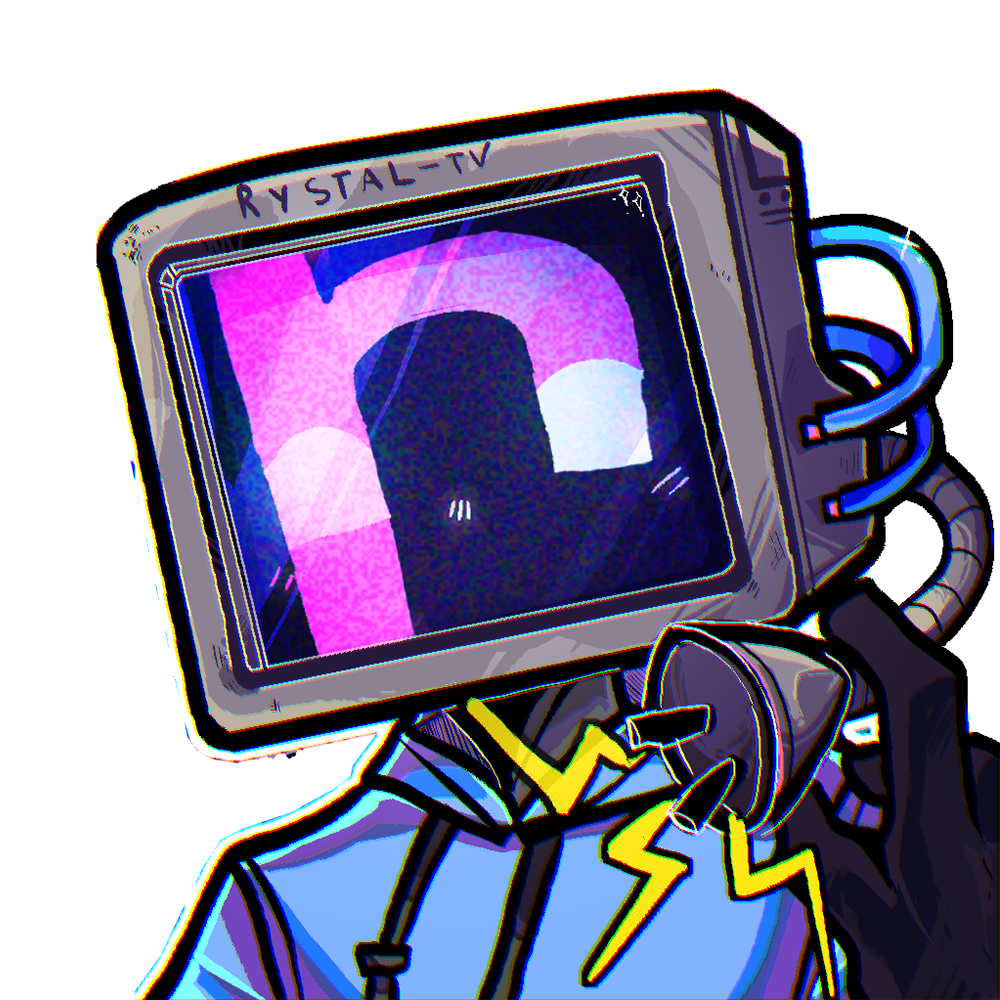
Rystal

I'm Rystal. The editor behind videos with 15.76M+ views. I built this kit because every new DaVinci editor I know rebuilds the same editing tools from scratch. So I packed mine into one box. Open it, save yourself the month.

— rystal

Common questions.

What version of DaVinci Resolve do I need?
DaVinci Resolve 21 or newer. Works on both Free and Studio versions, on macOS, Windows, and Linux.
Do these work on the free version of Resolve?
Yes. Every preset in the kit runs on the free version. No Studio license required.
Do I need to know Fusion?
The five drag-and-drop tools need no Fusion knowledge. The Flying Paper bonus project needs Fusion knowledge to edit.
How do I install them?
Download each product and follow its included instructions. Liquid Glass V2 uses its installer, the presets use DRFX files, and Flying Paper is a project file. If you get stuck, email rystalmail@gmail.com and you'll hear back fast.
Do I get future updates?
Yes. Any updates to the presets land on your Updates page automatically, free.

Your kit is ready.

Open it. Drag a preset in. Render. Works in DaVinci Resolve Free and Studio.

Add to cart $29.99
Works in Free + Studio Resolve

Google Analytics and DataFast help us understand visits. lets you turn site stats off. Ad tools need your permission.

Privacy choices

Some things are needed so the shop works. The extras are your choice. Allow all turns on Site stats and Ad help.

NeededKeeps cart and checkout working.Always on for security.